 Daily photo
No account, no cloud
Everything you write is stored in this browser. Nothing is uploaded, and there are no ads or analytics.
A private notebook for Chrome
Notes, tasks, reminders and the people you care about, in Chrome’s side panel and on every new tab. No account. Everything stays on your computer.
Less to hold in your head
A thought while you read. Something due on Friday. A friend you meant to call. They usually end up in five different places, or nowhere. Eterna keeps them together in your browser, one click away, without turning your day into a project.
In the side panel
Click the star in your toolbar, or press Alt Shift N, and Eterna opens next to whatever you’re reading. Type, press Enter, and it’s saved.
01 · Write
Start with a sentence. Titles are optional and everything saves as you type. When a thought grows, open it as a full page with a sidebar and an outline.
02 · Remember
Tasks, events and people live beside your notes. Reminders arrive as notifications while Chrome is running, and anything you missed waits in Coming up, marked Due now.
03 · Home
Each new tab opens on a clock, a greeting and your day: the scratchpad, what’s coming up and what you wrote last. Seren, Eterna’s little star, greets you by the time of day.
Private by design
Everything you write is stored in this browser. Nothing is uploaded, and there are no ads or analytics.
Back up to a single .eterna file and restore it on another computer. Archive, keep Trash for 30 days, or erase everything.
Eterna doesn’t encrypt your notes, and uninstalling removes them, so keep a backup. If you pick the daily photo background, a fresh photo comes from a photo service each day unless you switch that off.
A private notebook for desktop Chrome. Notes, tasks, events, people and a scratchpad live together in the side panel and on your new tab. There’s no account to create and nothing to set up.
Add it from the Chrome Web Store. It’s free, with no account to create. The Get Eterna page has a few things to know first.
No. Notes, tasks, events, people and images stay in your browser. The only thing Eterna fetches is the daily photo, and only if you choose that background; you can also switch the fresh photo off in Settings. Read the details.
Eterna becomes your new tab, in Corner, Full or Plain style. Chrome may ask whether to keep the change: choose “Keep it”, because “Change it back” turns Eterna off. Your address bar and search stay Chrome’s.
No, there’s no sync and no phone app. To move your notebook, back up to an .eterna file in Settings and restore it on the other computer. Back up before you uninstall or reset Chrome, too.
The little things deserve somewhere to stay.
Add to ChromeFor desktop Chrome 116 or later · No account needed
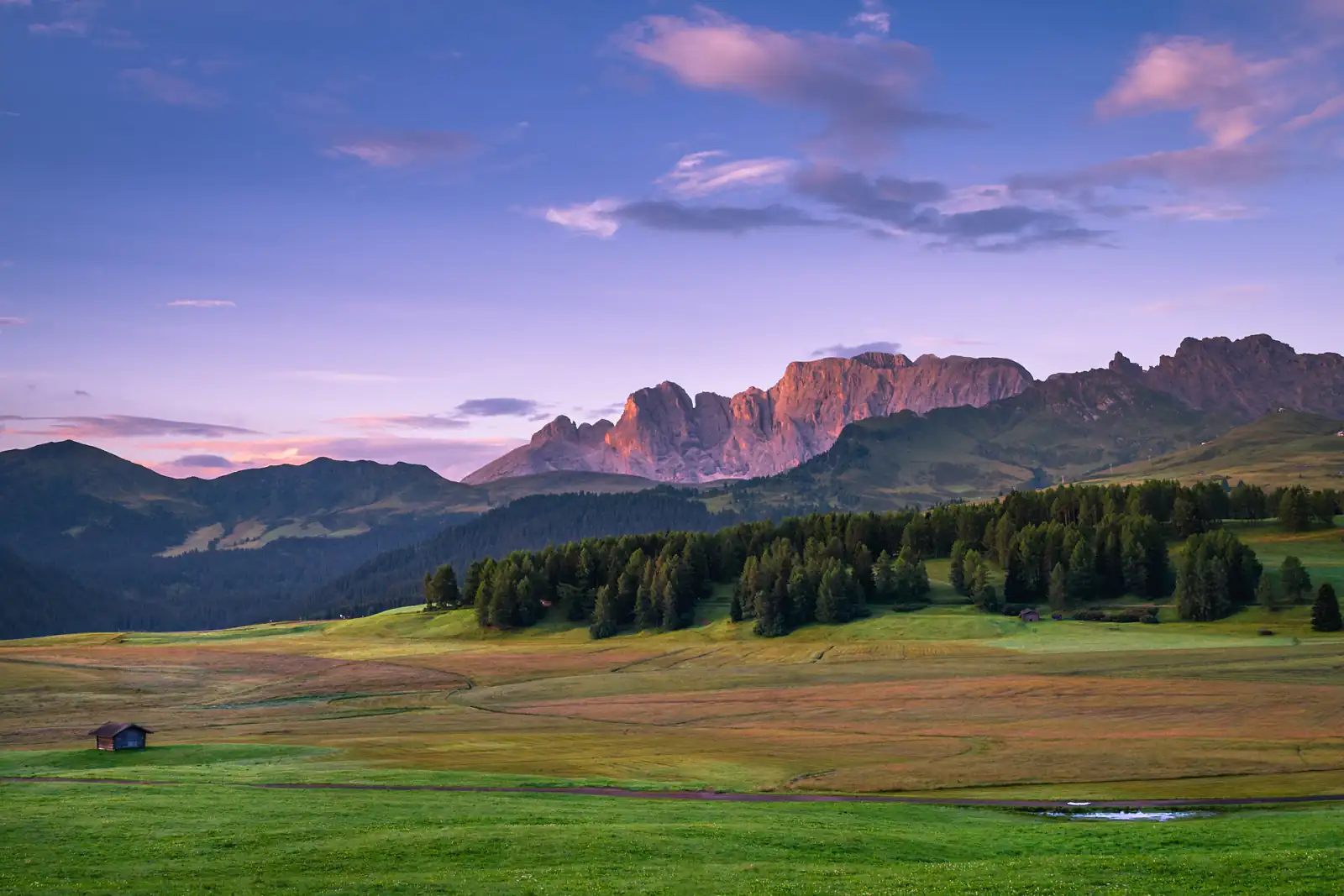
Daily photo sample: Seiser Alm by Karsten Würth (CC0).
.jpg)